If you remember disputing bad Local Services Ads leads one at a time, that process has changed. Google now reviews leads itself and issues credits automatically. Two of the old reasons for a credit are gone, and they happen to be the two that contractors used most.
Source: Google Local Services Help, “About automated Local Services Ads lead credits,” checked November 18, 2026. Some older Google help pages still describe a 30-day dispute. Go by what your own account shows.
How it works now
- Screening at first contact. Google’s systems assess each lead when the customer first reaches out. Leads judged invalid or low quality aren’t charged at all.
- Review after charging. Charged leads keep being reassessed. If one is later judged poor, it’s credited without you filing anything.
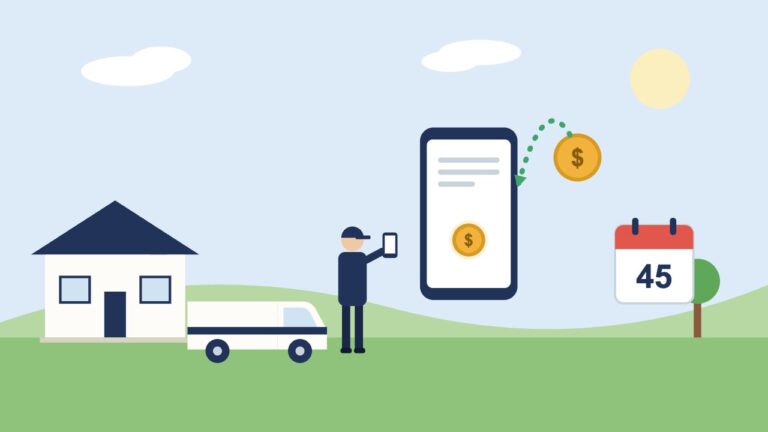
- Timing. Credits usually reach your balance within 30 days. The original charge still shows on the invoice.
What you’ll see in the lead report
| Status | Meaning |
|---|---|
| Not charged | Never billed, usually low quality or a duplicate |
| Charged | Billed from the start |
| In review | Being evaluated; credited if it’s a poor match |
| Credited | Billed, then credited, either automatically or as a bonus |
What Google stopped crediting
Google says it no longer credits leads for:
- Job type not serviced (a caller wants something you don’t do)
- Area not serviced (a caller is outside where you work)
That moves the responsibility to your settings. If your account lists a job type or a ZIP code, a lead for it is a valid lead and you pay for it. Not running ads yet? See what Google checks before your ads can run.
What to do about it
- Tighten job types. An HVAC company that doesn’t want duct cleaning calls, or a roofer who doesn’t do repairs, should untick those job types today.
- Tighten the service area. List the places you’ll really drive to. Google notes that narrower settings can also mean fewer leads, so trim the edges first.
- Rate your leads. In your account, open Leads, open a lead, and choose “Rate this lead.” Google says feedback can earn a bonus credit, which shows up as a credited lead.
- Check the report monthly. Count charged, credited and not-charged leads so you know your real cost per lead.
Who isn’t covered
Google’s page says automated credits aren’t offered to health care categories, tax specialists, or advertisers in Europe, the Middle East and Africa. Home service contractors in the U.S. aren’t on that exclusion list.
The number that matters
Credits tidy up the edges, here and on the lead services (see our guides to Angi lead credits and Thumbtack refunds). What decides whether Local Services Ads pay is your cost per booked job: total charged, minus credits, divided by jobs you won. If you’d like help working that out against your other lead sources, build a growth plan with us.