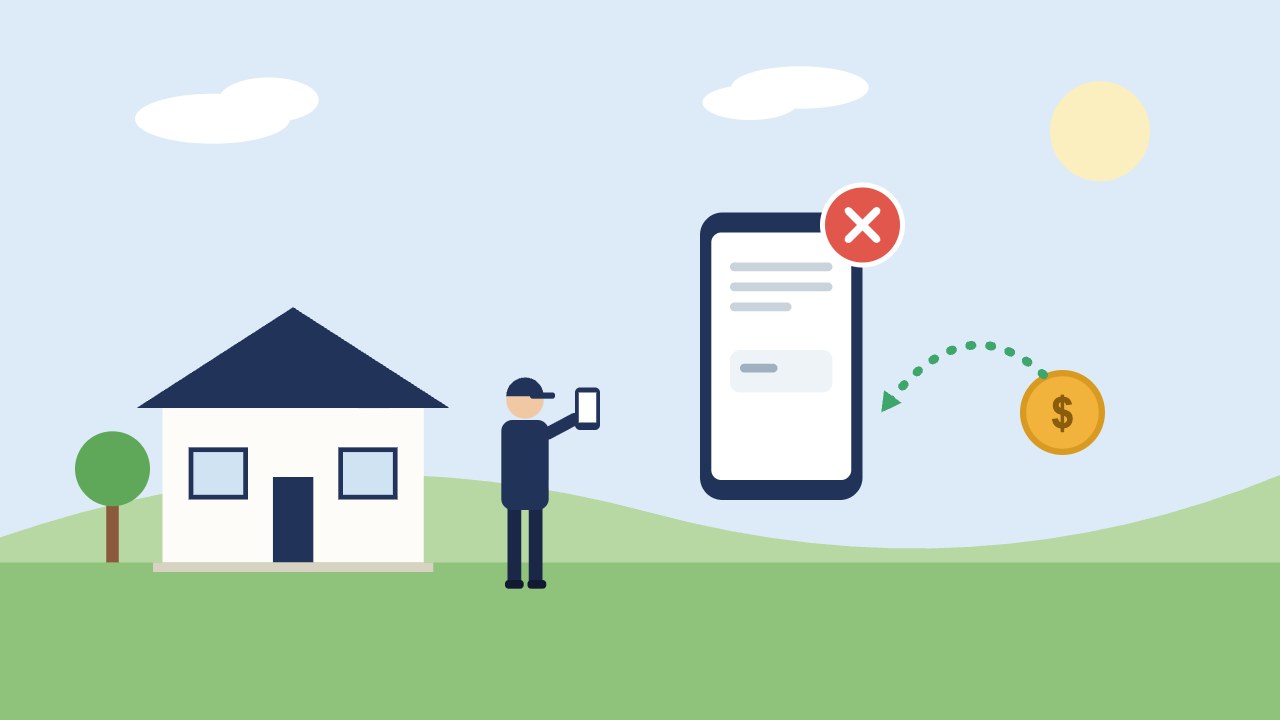
If you pay Angi per lead, some of those leads will be bad: a dead phone number, a job two counties away, a request for work you don’t do. Angi will credit some of them. The list of reasons it accepts is short, there are deadlines, and the credit is not cash. This guide lays out the rules as Angi publishes them, so you can file the requests that will be approved and skip the ones that won’t.
Source: Angi’s help center article “How to Request a Lead Credit,” checked November 18, 2026. Angi decides every request at its own discretion and can change these rules, so confirm the details in your own account.
The short version
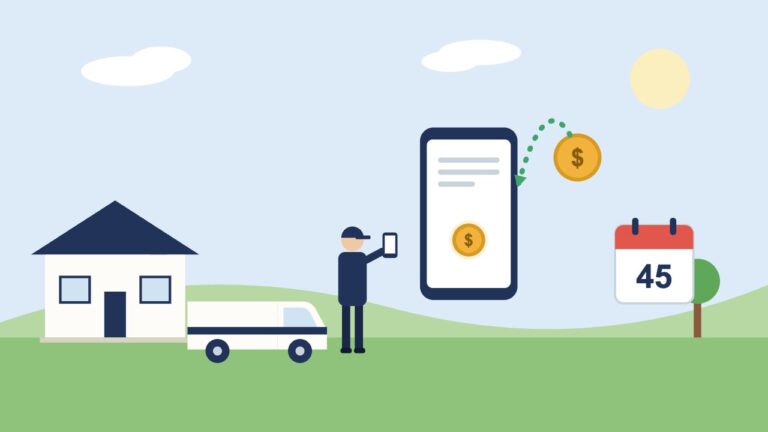
- Request credit within 45 days of the lead.
- You must have tried to call the homeowner within 24 hours of getting the lead.
- Your account can’t have an overdue balance.
- Annual subscription accounts don’t get lead credits.
- Approved credit goes back on your Angi account for future leads. It is not a refund to your card, and it expires after six months if you don’t use it.
Which leads qualify
| Angi may credit the lead | Angi won’t credit the lead |
|---|---|
| The phone number is disconnected, out of service, or belongs to someone else | The homeowner doesn’t answer or call back |
| The job is outside the ZIP codes on your profile | The homeowner hired someone else before you reached them |
| The job doesn’t match the services on your profile | The homeowner decided not to do the project |
| You were charged twice for the same homeowner within 45 days | The homeowner is only collecting quotes |
| You were charged while your leads were paused | You quoted the job and didn’t win it |
The right-hand column is where most of the frustration comes from. A homeowner who never picks up feels like a bad lead, but Angi treats it as a real request you didn’t reach. Filing for those wastes your time.
What to do the moment a lead comes in
The 24-hour call rule means your credit depends on what you do on day one, not on the day you file.
- Call right away, and make sure the call is logged somewhere: your phone’s call history, your call tracking, or your CRM.
- Check the ZIP code and the job type against your profile before you spend time on it.
- Write down what happened: “number disconnected,” “wrong person answered,” “wanted gutter cleaning, we only do roofs.”
- File the same week. Forty-five days sounds long, but in a busy season it passes quickly.
How to request the credit
In the Angi for Pros app
- Sign in and open the Leads tab.
- Open the lead.
- Tap the menu in the upper right and choose Request Credit.
- Read the requirements and continue.
- Pick the reason, add your notes, and submit.
On the website
- Sign in at office.angi.com.
- Open the Leads tab and select the lead.
- Click Request lead credit near the top.
- Continue past the confirmation, pick the reason, and submit.
Angi says it reviews requests within five business days. If you’re on an annual subscription, you can still report a bad lead, but no credit is offered; Angi’s Customer Care line is (877) 947-3639.
Keep your profile tight so fewer bad leads arrive
Two of the five accepted reasons, wrong location and wrong service, are judged against your profile. That cuts both ways:
- If your profile lists ZIP codes you don’t really want to drive to, a lead from there is valid and you’ll pay for it.
- If your profile lists every service Angi offered at signup, a request for any of them is valid too.
Trim both lists to the work and the area you want. An HVAC company that only wants replacements, a roofer who doesn’t do repairs, or a paving contractor who doesn’t take small driveway patches should say so in the profile, not in a credit request afterward.
Track what the leads cost you after credits
Credits only cover leads that were invalid. (The rules differ by service: see Thumbtack refunds and Local Services Ads lead credits.) They do nothing about the bigger cost: valid leads that were sold to several contractors at once and went to whoever called first. To see what Angi is really costing you, track three numbers each month:
- Total charged, minus credits approved
- Leads you spoke with
- Jobs booked, and the revenue from them
Divide the net spend by booked jobs. Compare that cost per job with your other sources, such as your Google Business Profile, your website, and referrals. If Angi’s number holds up, keep it. If it doesn’t, you have the figures to decide with. Our guide to cancelling Angi covers what the agreement says about fees and renewal.
Leads nobody else is calling
A lead that comes from your own website or Google listing is yours alone. Nobody else is racing you to the phone, and nobody charges you for a wrong number. If you’d like to see what it would take to replace shared leads with your own in your market, build a growth plan with us.