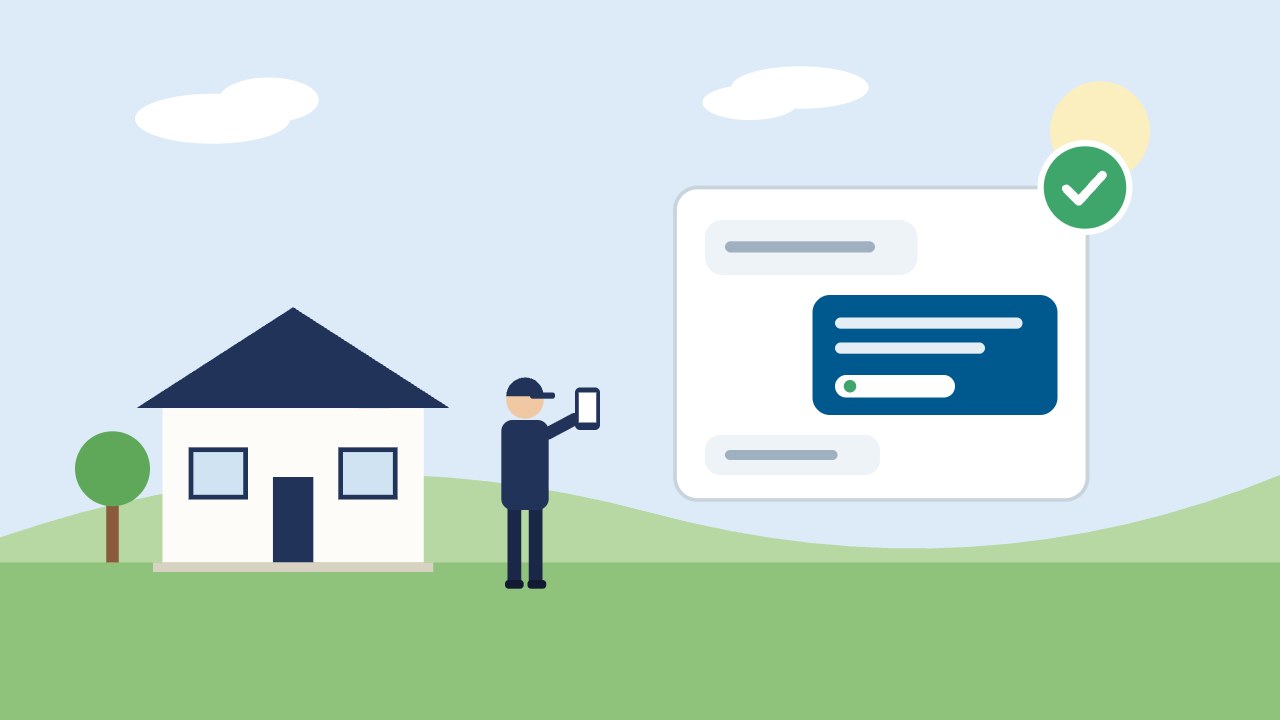
On November 10, 2026, OpenAI opened a beta called Businesses in ChatGPT. Through a tool called Business Hub, a company can claim its business, correct its details and see how often ChatGPT mentions it. For a roofing, HVAC or paving company, it’s worth twenty minutes to try. It’s also worth knowing what it won’t do.
Sources: OpenAI’s announcement “Introducing Businesses in ChatGPT” and its help page “Setting up your business on ChatGPT,” both checked November 18, 2026. The program is in beta and OpenAI is changing it quickly.
The short version
- Claiming is done in Business Hub, inside ChatGPT. You don’t need an ads account or an enterprise plan.
- There are two checks: one proves your connection to the business, and one proves who you are.
- After approval you can update your details and see mentions and website clicks.
- OpenAI says claiming a profile doesn’t change its visibility in ChatGPT.
Can a contractor claim?
OpenAI says you can claim a business you own or are authorized to represent, where ChatGPT is available and the verification is supported, and that availability depends on the business’s location and type.
The detail that matters for local companies: OpenAI’s help page says local stores and restaurants can currently claim only an existing U.S. listing. It doesn’t mention service-area businesses such as contractors working from a home office. So the practical test is to search for your company in Business Hub.
| What you find | What to do |
|---|---|
| Your company is listed | Claim it using the steps below |
| It isn’t listed | You may see an option to add it if OpenAI treats you as an eligible online business. If not, there’s nothing to claim yet; check back, since OpenAI says it plans to expand to more business categories. |
| It says “Contact support” | The listing is locked. Use the Contact support link to ask for access. |
| Someone else has claimed it | Open the profile, choose the more options menu, then “Dispute ownership” |
Step by step
- Use an account the business owns. Sign in to ChatGPT with a company email, not an employee’s personal account and not your marketing agency’s.
- Open Business Hub from the ChatGPT sidebar and search for your business by name.
- Select your listing and confirm the account that will manage it.
- Verify your connection. The methods offered vary by listing:
- Business phone: a code by text or automated call to the number shown
- Business email: a code to the address on file
- Website domain: a record your web person adds to the domain’s settings
- Wait for approval. OpenAI reviews the claim and emails a decision or a request for more information.
- Verify your identity. OpenAI uses a service called Persona for this. You may need a government-issued ID, your business registration details, and proof you’re authorized to represent the company.
- Update your information once both are approved.
Three things that trip people up
- The phone number on the listing is your tracking number or an old line. If you can’t receive the code, look for the website domain option instead.
- Your legal name isn’t your truck name. In the identity step, enter the name on your registration documents in the legal-name field, and your trade name where a separate field is offered. The registered address should match your records too.
- Claimed isn’t verified. The blue check appears only after the identity step is approved, not when the claim is.
What you can do after approval
- Update your website, business description, service category and logo, and add a cover photo
- See how many times ChatGPT mentioned your business and how many clicks went to your site
- See the topics of conversations where your website was cited
OpenAI reviews changes before they publish, and says updates can take time to show. It also says ChatGPT may use other sources when it answers questions about your business.
What claiming won’t do
- It won’t move you up. OpenAI’s help page says claiming a profile doesn’t change its visibility in ChatGPT.
- It may not show numbers right away. Insights appear only when there are enough conversations to meet OpenAI’s privacy thresholds. A local contractor may see little at first.
- It won’t give you a chat agent. Business Agents are limited to eligible ecommerce and online service businesses in the United States.
- It won’t replace the basics. ChatGPT still draws on your website, your reviews and your other listings.
Is it worth doing?
Yes, for three reasons: it’s free, it stops someone else from claiming your company first, and it gives ChatGPT correct information straight from you. Treat it like claiming your Google Business Profile years ago. It’s housekeeping, and the companies that do it early have one less thing wrong.
What still decides whether ChatGPT recommends you
The same work as before: a website AI tools can read, clear answers to the questions homeowners ask, reviews that describe real jobs, and listings that agree with each other. We cover each step in getting your company recommended in ChatGPT and Google AI Overviews. Your Google Business Profile setup still matters, because it’s one of the sources these tools check.
Want to know what ChatGPT says about your company today? See our AI Visibility service, or build a growth plan with us.